Final Projects
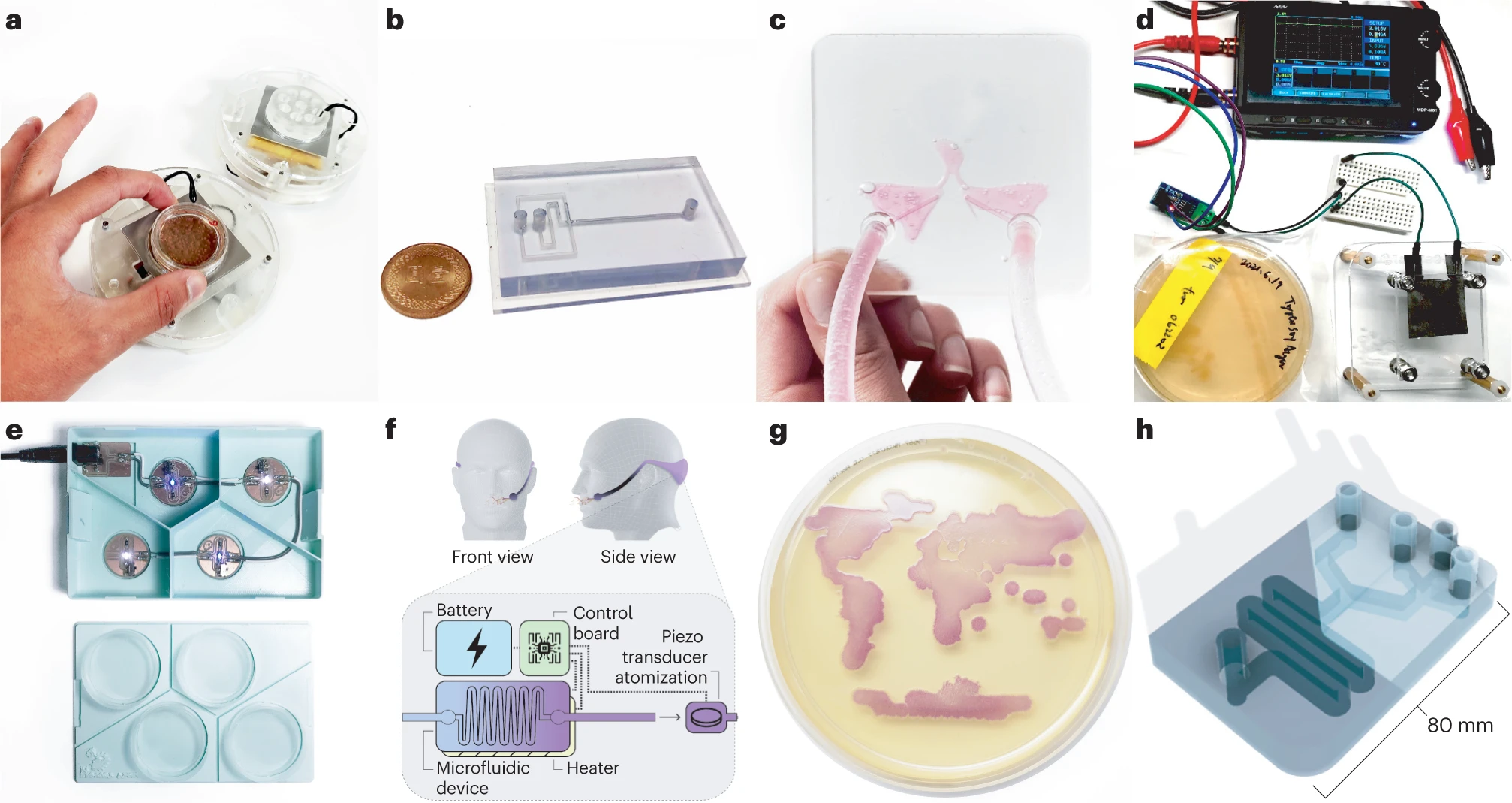
Throughout the term each student defines and executes a Final Project and then presents their work before the class as a culmination of their semester. This applies to all students including local for-credit MIT/Harvard students as well as the Global “Committed Listeners” who present their projects on Zoom to the Course Instructors, Lecturers and Teaching Staff (note that this presentation is one of the requirements for Committed Listeners).
For your Final Project, write up your design, methods, and results on your HTBAA webpage following the guidelines below. You will also create a presentation and present it live:
- MIT/Harvard students: present from your writeup on your HTBAA webpages and have a 6-minute presentation time limit
- Global Committed Listeners: prepare 3 Google slides and present those 3 slides from a shared Google Slides deck with a 3-minute presentation time limit.
Please practice your presentation a few times and time yourself to polish your delivery and to be sure it fits within the time constraints!
Important Dates
Sep 15, 2026: Begin creating Final Project ideas
Oct 20, 2026: Present fleshed-out Final Project ideas for feedback
Dec 1, 2026: Last week of project experiments & lab work
Dec 8, 2026: Final Project Presentations
Slide guidelines for Global Committed Listener presentations:
- You will be presenting entirely from the shared slide deck with the moderator advancing slides; the moderator will not follow links outside the deck during the presentation. (Links are allowed for later reference, but will not be used while presenting.) Since the moderator is advancing slides, it’s best if you don’t use any click-to-animate steps in your slides.
- Do not change the time of your presentation or relative position of your slides in the shared slide deck.
- Use text which is large enough to be readable when the slide is presented inside a Zoom window on a laptop screen. Resist the urge to cram text on the slide in tiny font!
- Create your slides inside Google Slides (in any deck, probably first in your own private slide deck, later copying into the shared deck when that is provided), not in graphic design tools like Canva (which will usually result in attractive slides which are unreadable on Zoom). Place text inside text boxes on the Google Slide, place images in individually, etc. Don’t paste in one big image per slide with all slide content!
- These slides are not posters; don’t try to fit a poster’s worth on content on a slide, it will be unreadable. The restriction to 3 slides is also not a challenge to see if you can fit 4 or 6 or 8 slides on each of your slides.
- Start making your slides early! Don’t wait for the shared deck to begin creating your slides; the shared deck will only be available to copy your slides into a couple days before the deadline.
- Don’t edit the “themes” or “page setup” in the slide deck! You’ll be sharing a deck and themes with all CLs. Apply any styling edits directly on your 3 slides. After pasting your slides into the shared deck, click “Slideshow” there in the shared deck to see what your slides will look like during final presentations and avoid any unpleasant surprises.
- If you don’t have your slides in the shared deck by the deadline, you will not be able to present your final project (a required step for Committed Listeners).
- Join for as much of the final presentations as possible to support your classmates and colleagues, but show up in zoom at least 15 minutes before your own presentation time. We may be running ahead of or behind schedule, so be as early as you can, and be prepared to stay as late as you can.